Photography
The 5 photos that decide your booking
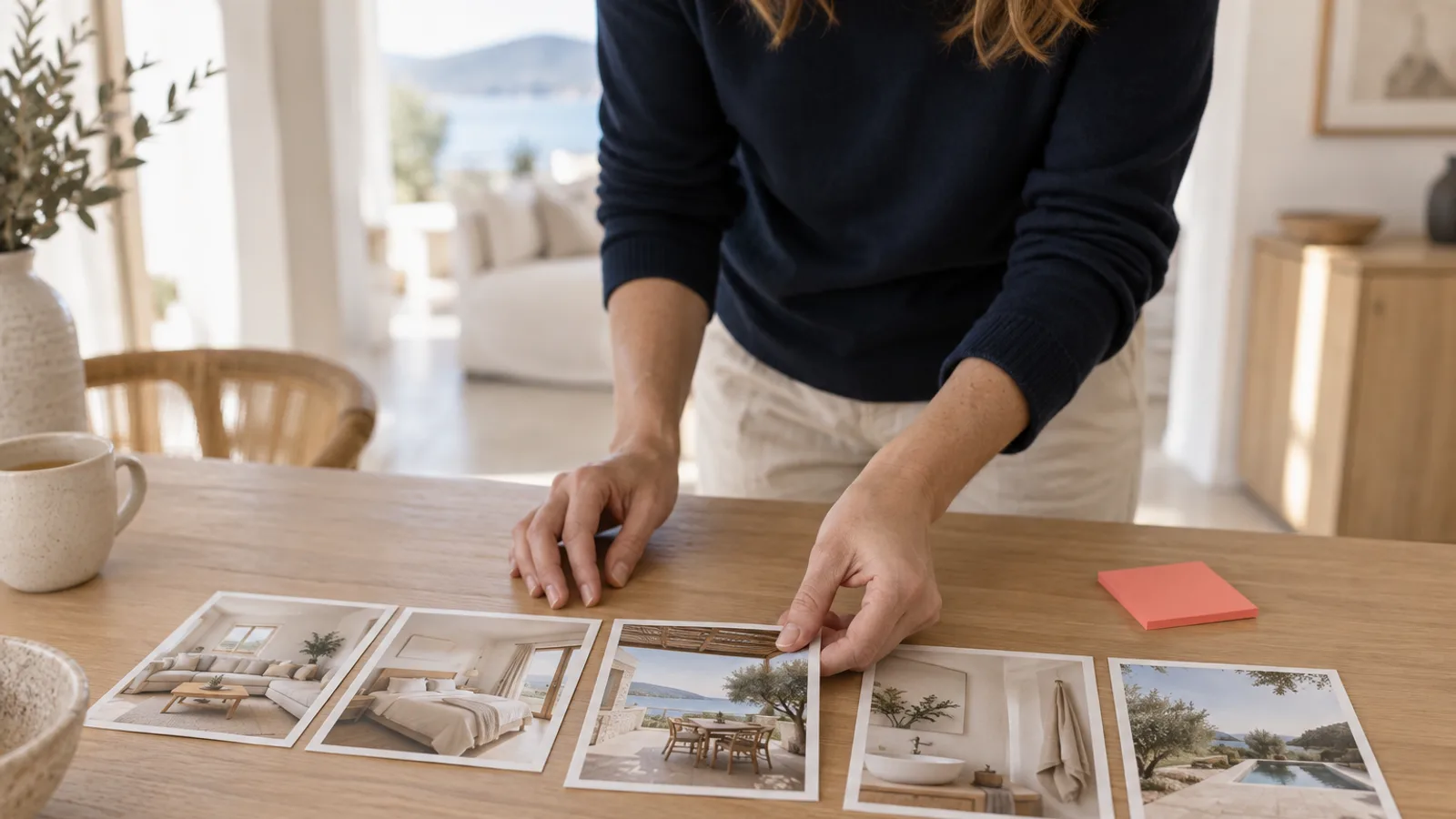
Your first five photos decide the booking because on desktop Airbnb shows them as the preview: the cover fills about 50% of that space and four more photos fill the rest, so those five images do most of the convincing before anyone opens the full gallery. The most common mistake is showing the same room five times instead of five different spaces, which wastes the slots that should prove your listing has range (HostRev vault, 2026, cheatsheet 01).
Key takeaways
- The first five photos are the preview, not an afterthought. On desktop the cover fills about half, four more fill the rest (HostRev vault, 2026, cheatsheet 01).
- Five different spaces, not one room five times. Showing the same room repeatedly in the preview is the single most common photo-order mistake.
- Frontload what the guest came for. Order best to worst and lead with the reason they book, not with whatever the camera saw first.
- Put your standout amenity inside the first five. A hot tub or pool at photo 22 might as well not exist for a guest scanning the preview.
- These are correlational patterns from the vault, not guarantees. Your result depends on your market, listing, and photos.
What does the Airbnb desktop preview actually show?
The desktop preview shows your first five photos in a fixed layout, and that layout is doing most of your selling. The cover photo takes about 50% of the preview space and the next four photos share the other 50% (HostRev vault, 2026, cheatsheet 01). That means five images, not twenty, carry the guest from the click to the decision to keep browsing.
On mobile the pressure is even higher: a guest first sees a single photo, so the hero has to work on its own before any of the others load into view (HostRev vault, 2026, cheatsheet 01). Whichever device your guests use, the front of the gallery is where the booking is won or lost, and it is the part most hosts never deliberately arrange.
On desktop, Airbnb shows a preview of the first five photos: the cover fills about 50% of that space and four more photos fill the other 50%, so five images do the convincing before the full gallery opens (HostRev vault, 2026, cheatsheet 01).
What is the mistake almost every host makes?
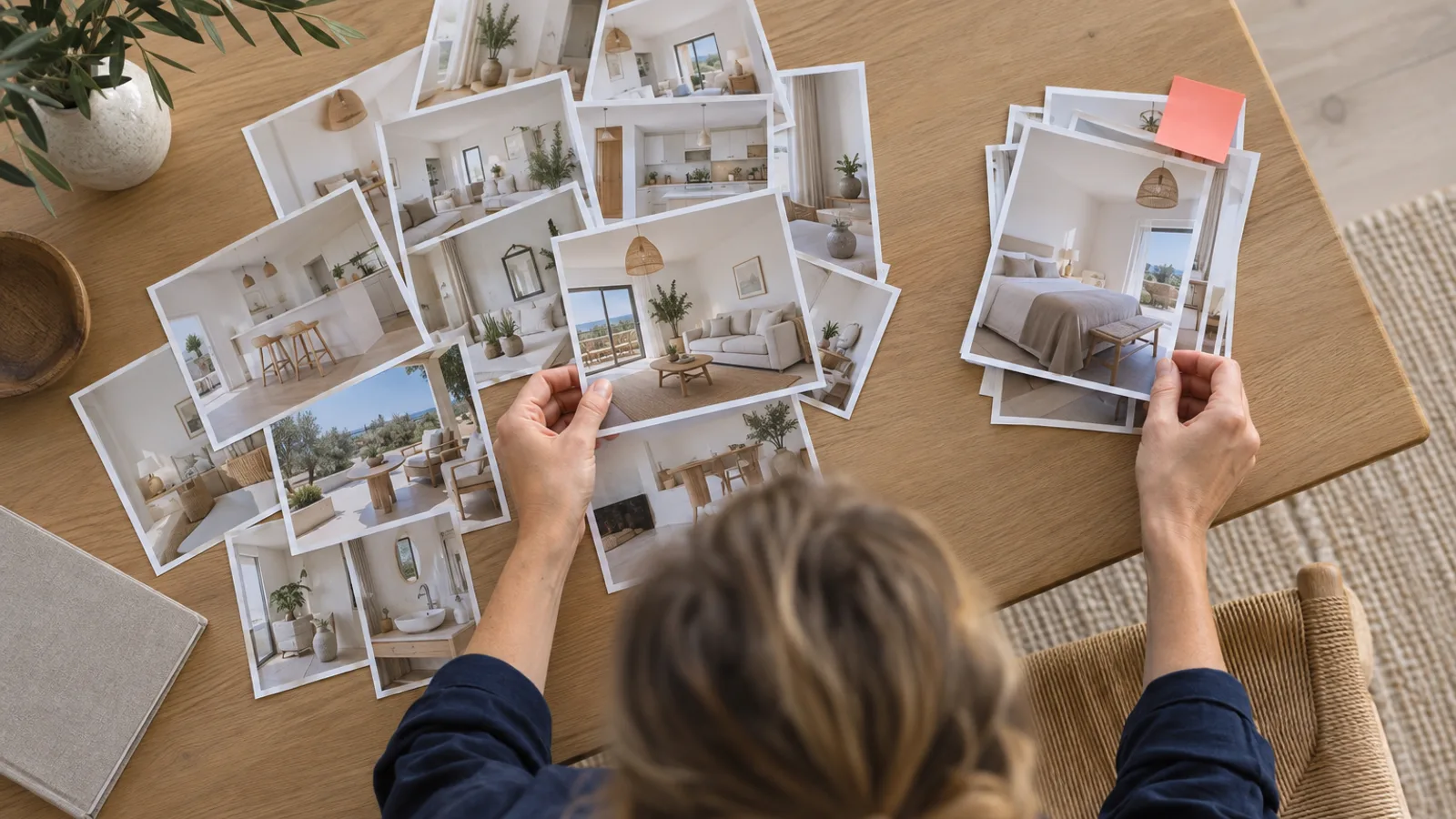
The mistake is uploading photos in whatever order they came off the camera, which leaves the first five showing the same room several times. A guest opens your listing and sees the living room from three angles, then the same kitchen twice. The preview looks repetitive and empty, and the guest cannot tell what else the place offers.
The fix is one rule: the first five must show five different spaces. Not five angles of the lounge, but the lounge, the bedroom, the kitchen, the bathroom or outdoor area, and your best amenity. Each slot proves the listing has something new to give, and range is exactly what a browsing guest is scanning for.
The most common Airbnb photo mistake is filling the first five preview slots with the same room shot several ways instead of five genuinely different spaces (HostRev vault, 2026, cheatsheet 01).
How should you order your Airbnb photos?
Order them best to worst, and frontload what the guest actually comes for. The rule is one photo per distinct space, not one per room, so a reading nook in the corner of the living room is its own image if it sells the place. Then rank ruthlessly and put the strongest, most differentiating shots at the front.
Context decides the order. For a party listing with a hot tub, the beautiful kitchen belongs in the second half, because those guests are not coming to cook, they are coming for the hot tub (HostRev vault, 2026, cheatsheet 01). Whatever your listing is really for, the preview should scream it in the first five images. And once you have the order, turn off Photo Tour so Airbnb does not quietly re-sort your gallery and push your best outdoor and amenity shots to the bottom (HostRev vault, 2026, cheatsheet 01).
The five slots, and what each one is for
Think of the preview as five jobs, not five pretty pictures. Here is a working template you can adapt to your listing.
| Slot | Its job | Common mistake |
|---|---|---|
| 1 (cover) | Win the click, break the pattern | A safe, generic shot that blends in |
| 2 | Confirm the main living space | Repeating the cover angle |
| 3 | Show the best bedroom | A dark, cluttered room |
| 4 | Show your standout amenity | Burying it deep in the gallery |
| 5 | Show range: outdoor, kitchen, or view | A second shot of a room already shown |
This is an illustrative template drawn from HostRev's photo vault, not a fixed rule, and the right order depends on what your listing is actually for (HostRev vault, 2026, cheatsheet 01).
Where the first five sit in the bigger photo playbook
The first five are the second stage of a funnel. The cover, which is slot one, wins the click and is a big enough decision to earn its own guide: read why one bold colour beats an authentic photo for the pattern-break logic. Everything after slot five is the deep gallery, where roughly 6 in 10 guests keep scrolling, covered in the pillar on winning the click.
If the photos themselves are dark, cluttered, or crooked, no ordering rescues them. Cleaning up real photos, lights on, clutter gone, verticals straight, is what HostRev's Quick Enhance does to the shots you already have, so each of your five slots earns its place. HostRev never fakes an amenity or a view, it makes your real space look its best.
How to fix your first five photos in ten minutes
Open your listing on a laptop and look at the preview as a stranger would. Do you see five different spaces, or the same room repeated? Is your best amenity in there, or hidden deep in the gallery? Reorder so the front five are your strongest, most varied shots, lead with the reason guests book, and confirm the standout amenity is visible without opening the full set (HostRev vault, 2026, cheatsheet 01).
Then check the rest of the funnel, because a perfect preview cannot fix a listing search barely shows. If your click rate is fine but conversion is low, the problem is deeper in the gallery, the reviews, or the price, and the what top hosts actually do framework helps you find which stage is leaking.
Frequently asked questions
How many photos show in the Airbnb desktop preview?
On desktop, Airbnb shows a preview of your first five photos: the cover fills about 50% of that space and four more photos fill the other 50% (HostRev vault, 2026, cheatsheet 01). Those five images are the second thing a guest sees after the click, so they carry most of the convincing before anyone opens the full gallery.
What is the most common mistake in Airbnb photo order?
The most common mistake is filling the first five slots with the same room shot five ways instead of five different spaces (HostRev vault, 2026, cheatsheet 01). Guests uploading photos randomly end up with three near-identical living room shots in the preview, which wastes the slots that should show range.
How should you order Airbnb photos?
Order photos best to worst and frontload what the guest actually comes for, one photo per distinct space, not per room (HostRev vault, 2026, cheatsheet 01). For a party listing with a hot tub, the beautiful kitchen goes in the second half because guests are not coming to cook. Put your standout amenity inside the first five.
Should you put your best amenity in the first five photos?
Yes. Your most important amenity, a hot tub, pool, or standout view, should appear inside the first five photos, because a guest who does not see it in the preview may never know it exists (HostRev vault, 2026, cheatsheet 01). An amenity buried at photo 22 does not sell the click that reaches it.