Photography
Airbnb exact location: a 60-second fix for your map pin
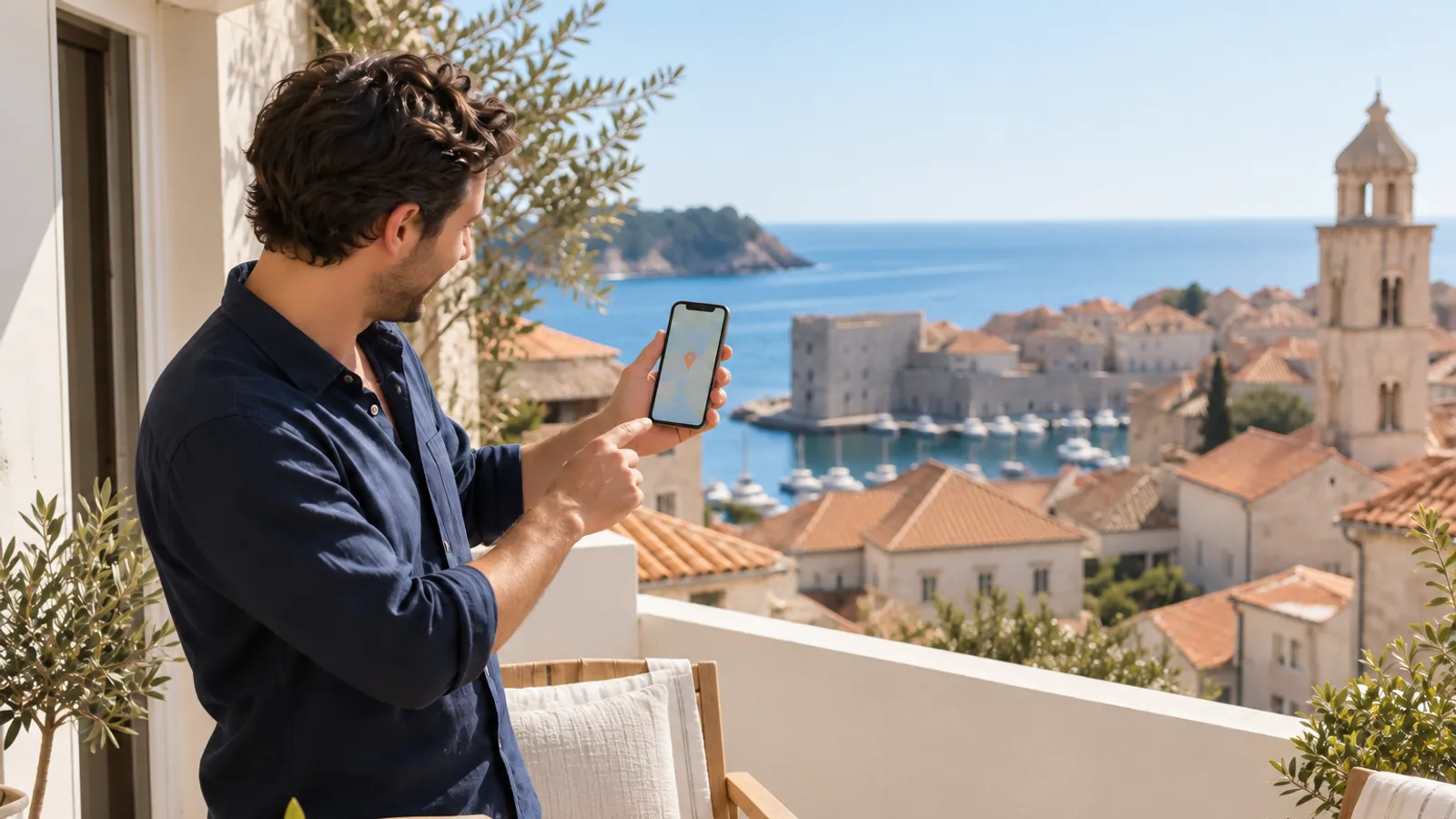
Setting your Airbnb map pin right is a 60-second edit that can lift your click rate for free. In IntelliHost's connected-host panel of 100+ properties, turning on the exact-location setting moved average click rate from 21% to 23%, about a 6% relative lift, with near-zero change in impression rate, and the effect is largest for beachfront, lakefront, and resort listings whose pin was landing in the wrong place (IntelliHost panel, via HostRev vault, 2026).
Key takeaways
- Exact location moved click rate, not impressions. In a panel of 100+ properties, click rate went from 21% to 23%, about a 6% relative lift, while impressions barely changed (IntelliHost panel, via HostRev vault, 2026).
- It takes about 60 seconds and costs nothing. The setting lives in listing details under location, and turning it on only repositions your price pin.
- Approximate location can hurt you. Airbnb can float your pin to a worse-looking spot, so guests judge you on a place that is not really yours.
- Waterfront and resort listings gain most. When the pin drifts off the beach, it undersells the property, so putting it back is a real click-rate lever.
- This is a two-group panel correlation, not a guarantee. Your result depends on your market, listing, and how far off your pin currently sits.
Does turning on exact location boost your listing?
Turning on exact location correlated with a real, if modest, click-rate lift in the data, and it is one of the cheapest edits you can make. IntelliHost ran a study on 100+ properties that switched the setting on and measured the change: average click rate moved from 21% to 23%, roughly a 6% relative increase, while first-page impressions stayed essentially flat (IntelliHost panel, via HostRev vault, 2026).
Flat impressions are the tell. This setting does not change where Airbnb ranks you, it changes how appealing you look once you appear, which is why it lands squarely in the click-rate lever, right next to your hero photo. It is a correlation from one panel, not a promise, but for a 60-second free change the risk is close to zero.
In IntelliHost's connected-host panel of 100+ properties, turning on the exact-location setting moved average click rate from 21% to 23%, about a 6% relative lift, with near-zero change in impression rate, an illustrative correlation rather than a guaranteed outcome (IntelliHost panel, via HostRev vault, 2026).
Where is the exact location setting, and how do you turn it on?
It is in your listing details, under location settings. Open your listing details, scroll down to the location section, and turn on specific or exact location (IntelliHost panel, via HostRev vault, 2026). That is the whole edit, and it takes about a minute.
To be clear about what changes: this moves where your price pin sits on the search map, so guests see your property in its true spot. It does not broadcast your street address on the listing, and guests still get the precise address only after they book, as normal. If a safety concern applies to your specific property, weigh it, but for most listings the pin position is a marketing asset, not a risk.
Why does the pin move clicks but not impressions?
Because the pin's position changes whether a guest wants to click, not whether search decides to show you. Impressions are about rank and filters. The map pin is about how good your location looks once a guest is already looking at you, which is a click-rate question. That is exactly why the panel saw click rate move while impressions did not (IntelliHost panel, via HostRev vault, 2026).
The mechanism is a genuine bug in your favour. With approximate location switched on, Airbnb places your pin somewhere in a rough zone, and that somewhere can be worse than reality. In one case a property's pin floated under a highway overpass, making the location look grim, and switching to exact location dropped the pin back into the downtown spot where the home actually was, and the click rate jumped (IntelliHost panel, via HostRev vault, 2026).
In IntelliHost's panel, exact location moved click rate from 21% to 23% while impressions barely changed, because with approximate location Airbnb can float your pin to a worse-looking spot and guests judge you on the wrong place (IntelliHost panel, via HostRev vault, 2026).
Which listings gain the most from this?
The listings whose entire pitch is where they are. Here is how the effect splits by property type, based on the panel's finding that location-specific listings gain most.
| Listing type | Why the pin matters | Likely effect |
|---|---|---|
| Beachfront or lakefront | Approximate pin can drift off the water and undersell the whole appeal | Largest gain when corrected |
| Resort or ski-in area | Being inside the zone is the product; a floated pin looks generic | Large gain |
| Downtown or landmark-adjacent | Pin can land under a highway or across a river from the real spot | Moderate gain |
| Generic suburban neighbourhood | Location is not the main draw, so pin position matters less | Small gain |
These are illustrative patterns from IntelliHost's connected-host panel, not guarantees, and your result depends on how far off your current pin sits (IntelliHost panel, via HostRev vault, 2026).
Fix the pin, then keep working the click
The map pin is a click-rate lever, which puts it in the same family as your cover photo, and both belong to the same stage of the funnel. If search is showing your listing but too few people click, the pin is one of the fastest things to check, right alongside the cover photo pattern break and the first five photos. For the full picture of how the click gets won, read the pillar on Airbnb photography that wins the click.
A well-placed pin only pays off if the photo next to it earns the click too, so once the pin is right, make sure your real photos look their best. HostRev's Quick Enhance cleans up light, clutter, and sharpness on the photos you already have, without faking a view or an amenity. To find which stage is actually costing you bookings before you change anything, the what top hosts actually do framework reads your impressions, clicks, and conversion in order.
Frequently asked questions
Does turning on exact location boost your Airbnb listing?
In IntelliHost's panel of 100+ properties, turning on the exact-location setting moved average click rate from 21% to 23%, about a 6% relative lift, with near-zero change in impression rate (IntelliHost panel, via HostRev vault, 2026). It is an illustrative correlation rather than a guarantee, but it costs 60 seconds and no money, and the effect is largest for beachfront, lakefront, and resort listings.
Where is the exact location setting on Airbnb?
It lives in your listing details under location settings: open listing details, scroll to location, and turn on specific or exact location (IntelliHost panel, via HostRev vault, 2026). The change takes about 60 seconds and only moves where your price pin sits on the map, not your address privacy in the listing itself.
Why does the map pin affect click rate but not impressions?
Because the pin's position influences whether a guest wants to click, not whether search shows you. In the panel, exact location changed click rate from 21% to 23% while impressions barely moved (IntelliHost panel, via HostRev vault, 2026). With approximate location, Airbnb can float your pin to a worse-looking spot, so guests judge you on the wrong place.
Which listings benefit most from exact location?
Beachfront, lakefront, and resort listings benefit most, because their whole appeal is being right on the water or in the resort zone. With approximate location the pin can drift off the beach and undersell the property, and turning on exact location puts it back where it belongs (IntelliHost panel, via HostRev vault, 2026). Generic neighbourhood listings see a smaller effect.